
归档

All posts for the month 2026 年 6 月

Post Cover

Duration 9h 3m MP4


Info

Title: Udemy – DaVinci Resolve 21 Mastery: Complete Video Editing Course

Info:

What you’ll learn
How to Download, install, and set up DaVinci Resolve
Configure frame rates, codecs, and project settings
How to Import, organize footage using bins and timelines
How to Cut and trim using ripple delete, blade tools, and shortcuts
Balance dialogue, music, and sound effects
Record clean, studio-quality voiceovers
Fix exposure, white balance, and contrast
Use color wheels, curves, qualifiers, and power windows
Apply grading for mood and style
Use scopes and nodes (serial, layer, parallel)
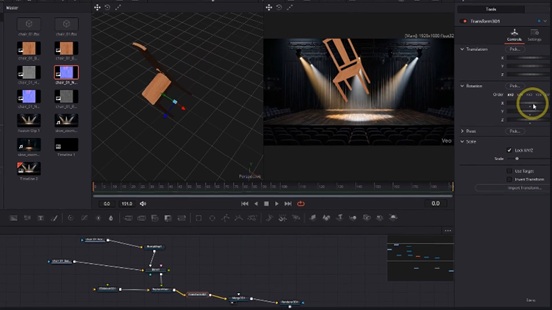
Work with merge nodes, masks, and transforms
Key green screen footage
Apply ResolveFX and OpenFX effects
Design lower thirds, intros, and outros
Use Fusion Text, Text+, and Rich Text for advanced effects
Use power bins for reusable assets across projects
Practice with downloadable exercise files
Export correctly for YouTube, TikTok, social media, and client delivery
Complete a full project from import → edit → color correction → grading → export

Download

此隐藏内容仅限VIP查看升级VIP

Post Cover

Duration 30h 52m Project Files Included MP4


Info

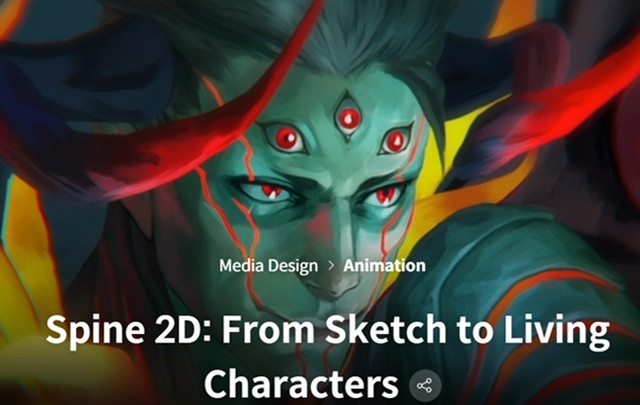
Title: Coloso – Spine 2D – From Sketch to Living Characters

Info:

If you’ve ever dreamed of bringing your illustrations to life, this is the perfect course to make it happen. Skilled Spine 2D animator Vrihedd has designed this class to help you turn your 2D artwork into expressive, animated characters. You’ll learn everything you need to fully harness the power of Spine 2D — starting with how to create animation-friendly illustrations, and progressing step by step through rigging and animation techniques. By the end of the course, you’ll be able to create polished 2D animations filled with personality and charm, ready for games or any creative project.

It can be challenging for beginners to take the next step without proper guidance. This course is designed to help you level up simply by following along. After creating simple animation models, Vrihedd will walk you through more advanced techniques to develop complex and polished animations. You’ll learn to apply various VFX, explore 2.5D rigging techniques, and understand the correct methods for exporting your animation to any platform you need. This class also serves as a valuable opportunity for experienced students to revisit and refine their previous work. If you’re aiming to build a strong, professional portfolio that truly stands out, this course is the one for you.

Download

此隐藏内容仅限VIP查看升级VIP

Post Cover

Adobe Substance 3D Painter 12.1 Win


Info

Title: Adobe Substance 3D Painter 12.1 Win

Info:

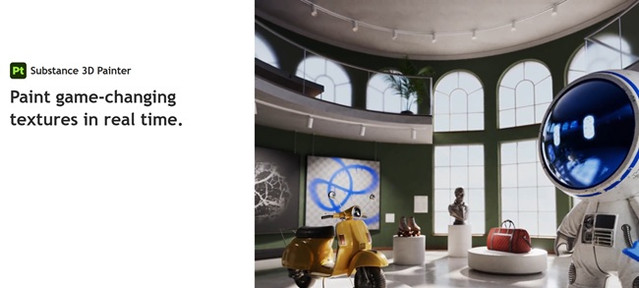
Substance 3D offers the tools you need to texture 3D assets. Modernize your texturing process with advanced brushes and smart materials.

Power and usability provides an excellent painting experience.

Powerful paint engine
Paint with dynamic brushes, projection tools, particles, including Photoshop brush presets.

Smart masks and materials
Apply realistic surface details, from subtle dusting to extreme wear and tear, and more.

Advanced material creation
Mimic real-world material behaviors such as sheen, anisotropy, clear-coat, subsurface scattering, and more.

Easy exports
Export to any renderer or game engine easily. Create custom export presets to fit Painter into your 3D design pipeline.

Icon- Automatic UVs
Imported models don’t need any special preparation to get them ready for texturing.

VFX support
Painter supports multi-tile painting (UDIMS), Alembic, camera import, and Python scripting and is compliant with the VFX Reference Platform.

Download

此隐藏内容仅限VIP查看升级VIP

Post Cover

Chaos Corona 15 hotfix 1 for 3ds Max Win


Info

Title: Chaos Corona 15 hotfix 1 for 3ds Max Win

Info:

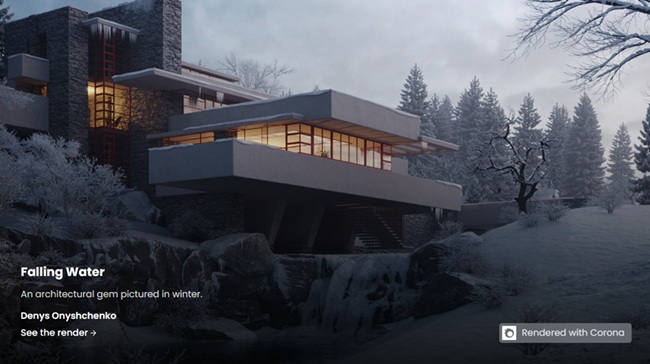
Powerful, artist-friendly rendering in 3ds Max. Choose the **Corona Collection** if you need a broader architectural visualization workflow around Corona – including real-time scene exploration in Chaos Vantage, realistic animated people and traffic with Anima, more scalable AI ideation with Veras and extended collaboration in Chaos Cloud. The connected workflow helps you reduce friction and move more smoothly from concept to final delivery

Corona 15 Hotfix 1

Fixed NVIDIA AI denoising not working in the CoronaImageCmd.exe (the batch version of the Corona Image Editor)
Fixed issue where shadows of objects where translucent when exported to Vantage

Corona 15 Hotfix 1 for 3ds Max:

Fixed broken export of Scatter to Vantage
Fixed failed loading of Corona 14 scenes that contained a Corona Proxy (occurred in Corona 15 using 3ds Max 2021 and older)
Fixed gamma in images uploaded to Veras.
Fixed issue when saving render elements in CXR format, all render elements would be saved in every file
Fixed issue where render elements were not being saved when using Render Masks Only
Fixed missing color transform during saving of image in the Corona Image Editor + Corona Image Editor command line (other than .cxr)
Fixed crash when resetting material in compact material editor
Fixed issue where Spline IK was not updated when changing frame during animation rendering or interactive rendering with the faster parsing option enabled
Limit resolution override to 32768, since that is the maximum 3ds Max render resolution (higher values cause issues in Render Setup)
Download

此隐藏内容仅限VIP查看升级VIP

Post Cover

Chaos Corona 15 hotfix 1 for Cinema 4D Win


Info

Title: Chaos Corona 15 hotfix 1 for Cinema 4D Win

Info:

We’re happy to announce the release of Corona 15 Hotfix 1 for both 3ds Max and Cinema 4D – as always, the hotfix contains only bug fixes and no new features. It is a recommended update for all users, and you can download it from the CGPersia page

Corona 15 Hotfix 1 for Cinema 4D:

Fixed ports in the Corona Node Material Editor generated for Glints in Physical materials
Fixed vrscene export (and upload to Cloud) not working on macOS
Fixed issue with UVW tile/offset not properly affecting the viewport preview when using the experimental enhanced material preview in the viewport
Fixed issue with many Cosmos materials which use UVW being incorrectly exported to Vantage
Fixed issue with Corona Bitmap UVW channel overrides being incorrectly exported to Vantage
Fixed issue with the camera Resolution Override not correctly updating the aspect ratio for renders in the viewport
Fixed saving of images generated in Veras in the integrated browser on macOS
Fixed flipped Normal map imported from Cosmos
Fixed occasional crash when AutoAdjustment is enabled (mainly reproducible in IR)
Fixed incorrectly resized Veras window after first initialization
Fixed issue with the Layered shader showing as blurry or with artifacts in the viewport preview
Improved error handling when saving files from Veras
Additional fixes in UNDO handling when deleting several shaders in the Node Material Editor
Updated the Unified Login, Licensing server, Cosmos and Cloud client to recent versions
Download

此隐藏内容仅限VIP查看升级VIP

Post Cover

Unreal Engine Bundle 9 June 2026


Info

Title: Unreal Engine Bundle 9 June 2026

Info:

Includes:

Animalia – Blue Wildebeest (pack) UE4.24+.rar
GASP-DynamicAdditiveOverlay-master.rar
Launcher_Animations.rar
MultiObjectsRenamingTool-v3_2-4.27-5.4.rar
NPC Charaters Kids (Pack) UE4.18+.part1.rar
Portal VFX Enhanced UE4.27+.rar
ACBS1057.zip
Cliffs Terrain Pack.zip
Cosmic_Architec_v1.0_5_7.zip
Driveable__Animated_Retro_Cyberpunk_Hover_Car_02.zip
Hyper_AI_Studio_v1.0.0_5_8.zip
POLY_-_Lite_Survival_Forest.zip
Road Generator (OSM to Unreal) v1.5 UE5.7.zip
Side Scroller Pack – Platformer Mechanics.zip
Simple Spline Mesh Level Design Tool – Modular System – Roads Walls Fences v1.0 UE5.7.zip
Spline Path System – Movement Framework.zip
Waterline PRO v6.4.zip
Wooden Sofa Table – Asset Pack.zip

Download

此隐藏内容仅限VIP查看升级VIP

Post Cover

Duration 30h Project Files Included MP4


Info

Title: Pikuma – C++ Game Engine Programming

Info:

Updated to March 2026

This course is a gentle and comprehensive introduction to the fundamentals of 2D game engine architecture. We’ll discuss several of the most popular programming patterns used in game development and try to put all the theory we learn into context by coding a small 2D game engine using modern C++, SDL, and Lua.

We will write, together, a small ECS framework from scratch to manage our entities, components, and systems. We will discuss how engine programmers design their code and how we should think of organizing game objects in memory with performance in mind.

Download

此隐藏内容仅限VIP查看升级VIP

Post Cover

Duration 35h Project Files Included MP4


Info

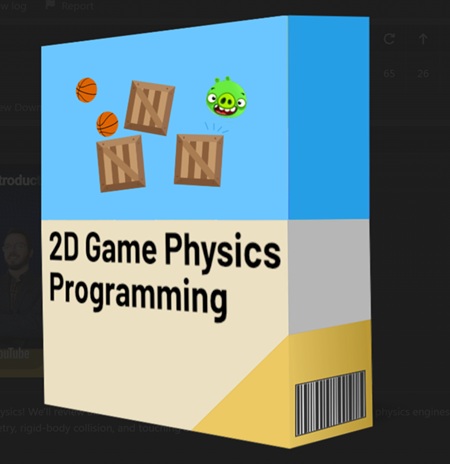
Title: Pikuma – 2D Game Physics Programming

Info:

This course is a gentle introduction into the world of 2D game physics! We’ll review all the beautiful math that provides the foundation for most physics engines, starting with a strong review of vectors, matrices, basic trigonometry, rigid-body collision, and touching a little bit of calculus as well.
c++ physics engine tutorial

The lectures are designed to teach all concepts from first principles. In our journey, we’ll review several topics from physics, like velocity, acceleration, integration, mass, forces, gravity, drag, friction, rigid body dynamics, collision detection, constraints, etc.

We’ll also put theory into practice by coding a very simple 2D physics engine from scratch using the C++ programming language.

We’ll start by writing a simulation of particle physics, which is a good start for us to address concepts like movement, forces, displacement, and integration.

We’ll then proceed to work with rigid bodies by adding shapes to our objects, like circles, rectangles, and polygons. We’ll also learn how to code the collision detection and collision resolution between these rigid bodies.
physics engine constraints tutorial

We’ll conclude our C++ implementation by adding constraints to our physics engine, which will help us add different types of objects to our engine, like joints and ragdolls. Ultimately, constraints will help us improve the stability of our engine, and they are a great opportunity for us to discuss some interesting ideas from calculus.

Download

此隐藏内容仅限VIP查看升级VIP

Post Cover

Duration 45h MP4


Info

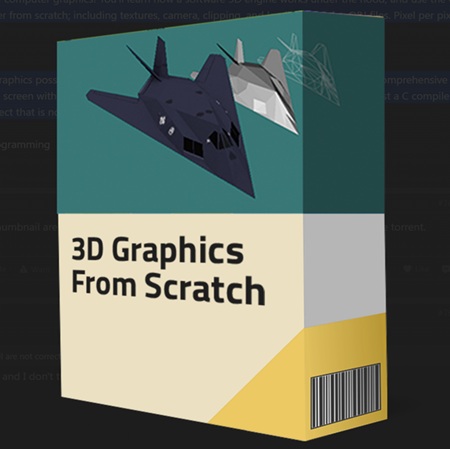
Title: Pikuma – 3D Computer Graphics Programming

Info:

This course is a complete immersion into the fundamentals of computer graphics! You’ll learn how a software 3D engine works under the hood, and use the C programming language to write a complete software rasterizer from scratch; including textures, camera, clipping, and loading complex OBJ files. Pixel per pixel, triangle per triangle, mesh per mesh.
3d programming from scratch

We’ll review all the beautiful math that makes 3D computer graphics possible as we tackle all concepts from first principles. We’ll also write a comprehensive software renderer that can display complex 3D objects on the screen without the help of any graphics API. No GPU, no OpenGL, no DirectX! Just a C compiler and a little bit of linear algebra is all we need to create a final project that is nothing short of amazing!

Download

此隐藏内容仅限VIP查看升级VIP

Post Cover

Duration 7h 40m MP4


Info

Title: Doublejump Academy – Advanced Matte Painting with Steven Cormann

Info:

Standard Edition

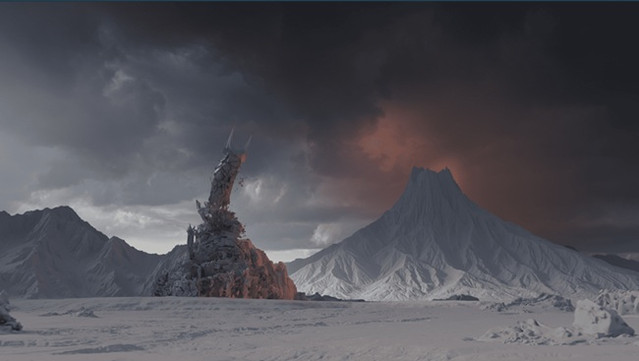
This advanced workshop focuses on the professional techniques required to create high-end matte paintings for film and television. Taught by industry expert Steven Cormann, you will delve into the complexities of perspective, atmosphere, and light to create convincing, cinematic environment designs. You will move beyond simple 2D painting to integrate 3D geometry, advanced projection mapping, and look development.

Course Content
Advanced perspective and camera projection techniques;
Integrating 3D elements into 2D matte paintings;
Mastering atmospheric depth, lighting, and color grading;
Advanced texturing and digital painting workflows for large-scale environments;
Industry-standard pipelines for professional VFX production.

Download

此隐藏内容仅限VIP查看升级VIP