
归档

All posts for the month 2026 年 7 月

Post Cover

Duration 13h MP4


Info

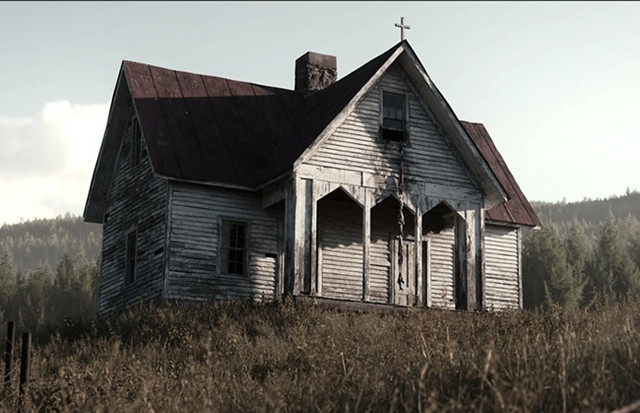
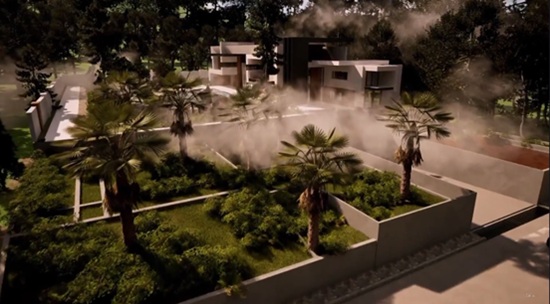
Title: Covingsworth – Ultimate Photorealistic Environment Animation Course

Info:

Designed for both experienced and beginner 3D artists, I’ll bring you through all the steps I took while creating my most ambitious render… that includes modeling, texturing, lighting, tree creation, animating, rendering, color grading, and MUCH more. It’s 13 hours of organized, super fun, and fully narrated chapters, without a single drop of my workflow left out. I took the production for this course very seriously… basically it won’t waste your time. I also have tons of experience in streaming, teaching, video editing, audio work, etc. so I can guarantee that everything is super high quality and digestible! There’s TONS of information here that I have accumulated over the past couple years as a full time 3D artist and I know there’s something for everyone in here no matter your skill level. Speaking to beginner artists, I would have LOVED to had a course like this when I first started 3D, because sometimes all you need is that initial boost to really get rolling and I can’t imagine this course wouldn’t be the perfect thing for the job.

The softwares used for this project are Blender, Substance Painter, SpeedTree, and Davinci Resolve. Each are invaluable to my workflow and their jobs and functions are covered extensively, however they are not essential to everyone’s pipeline. For example, the section covering my entire texturing process in Substance Painter serves as a great Substance tutorial but also a show of texturing knowledge that could certainly be applied in Blender or any other texturing software. I’ll also add that if you are only interested in a specific part of the project, for example just the modeling or color grading, it’s worth grabbing too! Super exciting to have you on board.

Things covered​​
Inspiration and reference gathering
Modeling – Blockout to High Poly
UV Unwrapping
Texel Density Calculations
Substance Painter – Basics to Advanced Material Creation & Texturing
Lighting
Foliage – Scattering, wind systems using Geometry Nodes, more
Geometry nodes
Building concepts
SpeedTree – Tree creation basics + advanced tree breakdown
Various animation tasks – Camera, grass, etc.
Rendering – Render settings breakdown
Blender compositing – Atmosphere, etc.
Color Grading – Complete color grading workflow using Davinci Resolve

Softwares covered
Blender
Substance Painter
SpeedTree
Davinci Resolve
Various – GIMP, etc.
Download

此隐藏内容仅限VIP查看升级VIP

Post Cover

Unreal Engine Bundle 6 July 2026


Info

Title: Unreal Engine Bundle 6 July 2026

Info:

Includes:

AstronautsFlightSuits.rar
Cappadocia_Anatolian_Cave_Hotel_Environment_Modular_City__Ethnic__Spike.rar
Cemetery.rar
Robot3.rar
SKModularPlugin.rar
Coffee_Machines_Set.zip
easysky-multiplayer-ready-dynamic-day-night-cycle.zip
EasyWaterscape.zip
Huge_Tree_Pack_Internal_Trees.zip
RVTDecals58.zip
SlimeVFX.zip
Spline_Mesh_Tool_-_Modular_Path_Builder_-_Unreal_Engine.zip
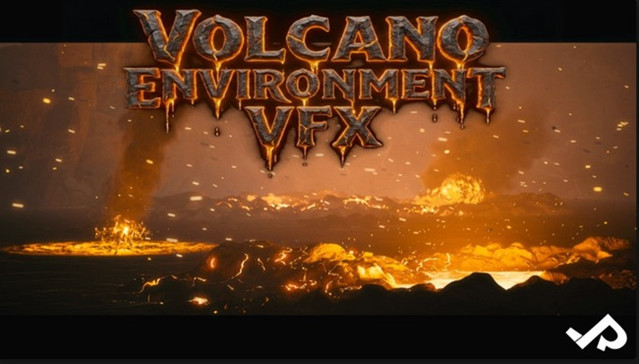
VolcanoEnvironmentVFX.zip

Download

此隐藏内容仅限VIP查看升级VIP

Post Cover

Duration 6h 17m Project Files Included MP4


Info

Title: Udemy – 3ds max Plugin, what a Passion

Info:

What you’ll learn
Using PolySlicer
Using Rock Generator V2
Using Radial Symmetry
Using Create Holes
Using Boxify
Using LabyrinthMaker
Using Wire Mesh Generator
Using Swirling
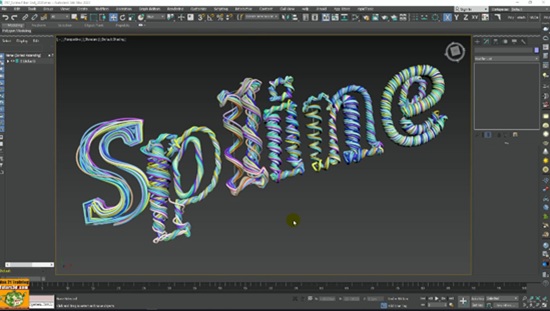
Using Spline Fibers
And other scripts and tools

Note: This course uses a speaker with AI-generated voice.

Topics: in this course we will study nine tools to increase the modeling production of 3ds max between plugins, modifiers and scripts.

In the course we will study all the plugin settings through the analysis of the various options and practical exercises, specifically we will use:

PolySlice to cut geometries and apply mapping coordinates and Materials parametrically.

We will study Rock Generator V2 to create parametric rocks of various shapes and sizes; we will also apply the projection modifier to generate Normal maps Normal maps on low poly objects, using high resolution rocks.

We will study Radial Symmetry to create radial clones suitable for both Hard Surface modeling and Logo or Abstract Animations.

We will study Create Hole to quickly generate holes on geometries during Hard Surface modeling.

We will study Boxify to force any mesh into a cubic shape.

We will study LabyrinthMaker to quickly create parametric mazes.

We will study Wire Mesh Generator to create Polygonal Wire Meshes with a few mouse clicks.

We will study Swirling to Deform Geometries and create parametric waves on any polygonal object.

We will study Spline Fibers to generate twisted parametric cables at a speed never seen before.

Below is the classification of the resources that we will use in the course:

Free Plugins and Scripts used in the course: Boxify, LabyrinthMaker, Wire Mesh Generator, Swirling, Spline Fibers.

Commercial Plugins and Scripts used in the course: PolySlicer, Rock Generator V2, Radial Symmetry, Create Holes.

The course is recorded in the 3ds max 2020 release.

Attached to the lessons are available the 3ds max 2018_2019_2020 and higher compatible exercise files.

Note: the exercise files are attached to the lesson: “002_How to Get the PolySlicer ” and ” 057_Installing Furniture Panels ”

Updates:

In Section 7 “Free 3ds max Power Tools” other free scripts and tools for 3ds max.

Attached to the lessons are available the 3ds max 2018_2020 and higher compatible exercise files.

Note: the exercise files are attached to the lesson: “057_Installing Furniture Panels ”

Who this course is for:
Architects, Surveyors, Designers, Students, Teachers, 3D Artists.

Download

此隐藏内容仅限VIP查看升级VIP

Post Cover

Duration 17h 2m Project Files Included MP4


Info

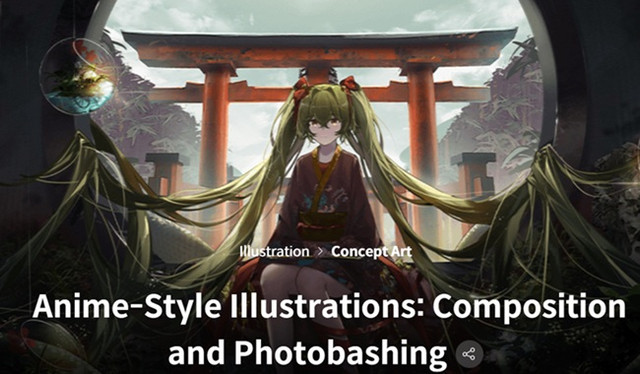
Title: Coloso – Anime-Style Illustrations Composition and Photobashing

Info:

Audio: English
Subtitles: English

Discover what it takes to draw beautiful anime-style illustrations using perspective and photobashing techniques.

This class will teach you everything about creating a captivating composition, from perspective drawing for architectural and environmental scenes to photobashing techniques to seamlessly blend photos to your illustrations.

Learn to enhance the quality of your digital illustrations by adding the right details to give your illustration a complete & finished look.

This class is perfect for beginning artists who want to start drawing captivating anime-style illustrations, starting from the basics.

Illustrator Zeklewa will teach you everything from basic tools and techniques in Procreate and Photoshop to perspective drawing and photobashing techniques. You’ll also learn how to use Photoshop filters to adjust colors, tones, and textures.

Take this class to master the building blocks of illustration and find out how to start adding details to enhance your artwork!

Note: 09_1.Bonus-1, 2, 3, 4 have no audio and subtitles.

Download

此隐藏内容仅限VIP查看升级VIP

Post Cover

Duration 13h 23m Project Files Included MP4


Info

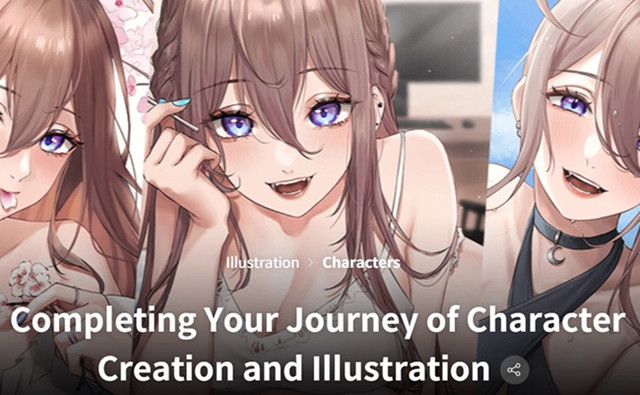
Title: Coloso – Completing Your Journey of Character Creation and Illustration

Info:

Audio: English
Subtitles: English

Are you struggling with creating your own anime-style original character? Or looking for ways to make your character stand out?

It’s a step that can seem like a daunting wall, but no worries! Nana will be here at Coloso to assist you in taking that step!

A beloved illustrator with 460K+ followers unveil the treasure trove of her valuable tips and insights!

Build a solid foundation for your character design and illustration skills with Nana’s carefully designed class with her practical approach.

Download

此隐藏内容仅限VIP查看升级VIP

Post Cover

Duration 16h 38m Project Files Included MP4


Info

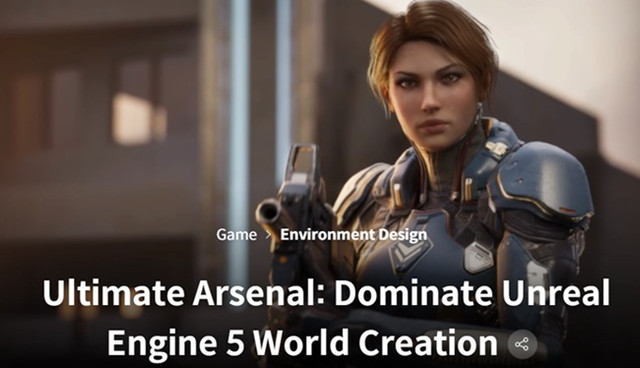
Title: Coloso – Ultimate Arsenal Dominate Unreal Engine 5 World Creation

Info:

Audio: English
Subtitles: English

“Having worked on top-tier projects, it’s time I showed you how us professionals create detailed & refined game environments!”

Step into the future of digital world-building where technical mastery meets artistic vision. This class demolishes the barrier between imagination and execution, teaching you to harness Unreal Engine 5’s revolutionary Nanite, Lumen, and ray-tracing systems to create environments that rival those in today’s AAA titles.

Develop the coveted skillset that studios are desperately seeking—the ability to craft worlds that don’t just look good but feel alive. Master the art of lighting that guides player attention, learn professional-grade material creation that brings consistency to diverse assets, and build atmospheric environments that tell stories without words. You’ll work through the exact production pipeline used by industry veterans, from reference gathering and composition planning to final cinematic rendering, gaining hands-on experience with cutting-edge techniques like volumetric lighting, dynamic time-of-day systems, and character-specific lighting rigs. By completion, you’ll possess both a standout portfolio piece and the comprehensive skillset that separates professional environment artists from the competition in today’s visually demanding game industry.

Download

此隐藏内容仅限VIP查看升级VIP

Post Cover

Chaos V-Ray 7 update 4 (Build 7.40.30) Houdini Win


Info

Title:Chaos V-Ray 7 update 4 (Build 7.40.30) Houdini Win

Info:

V-Ray® for Houdini is a production-proven CPU & GPU rendering software for high-end VFX and animation. It comes with all the tools artists need to render amazing-looking procedural effects. Seamlessly integrated into Houdini, it enables smooth scene exchange and iterations with other DCC applications through full support for USD and a fully-featured V-Ray Hydra Delegate for Solaris.

Download

此隐藏内容仅限VIP查看升级VIP

Post Cover

Duration 5h 46m MP4


Info

Title: Udemy – Twinmotion: Complete Course for Architectural Visualization

Info:

What you’ll learn
Create professional architectural visualizations using Twinmotion from scratch.
Learn professional import workflows using Datasmith and other methods to bring 3D models into Twinmotion.
Build realistic materials for both exterior and interior architectural scenes.
Master lighting, environment, weather, HDRI, and camera settings for high-quality results.
Use vegetation painting and Twinmotion assets to create realistic outdoor environments.
Create high-quality architectural renders with professional render settings.
Produce smooth architectural animations using View Sets and animation tools.
Create immersive Panorama Sets for interactive architectural presentations.
Optimize your workflow to produce high-quality visualizations faster and more efficiently.
Complete real-world architectural projects from import to final presentation in Twinmotion.

Twinmotion: Complete Course for Architectural Visualization

Build Professional Architectural Visualizations with Twinmotion

Welcome to Twinmotion: Complete Course for Architectural Visualization, a comprehensive, step-by-step course designed to help you master one of the most powerful real-time architectural visualization tools available today.

Whether you’re an architect, interior designer, landscape designer, architecture student, or 3D visualization artist, this course will teach you how to transform your 3D models into stunning architectural presentations with speed, efficiency, and professional-quality results.

Unlike many courses that simply introduce the software, this course follows a complete real-world workflow. You’ll learn not only how each tool works, but also when and why to use it throughout an architectural visualization project.

The course starts with the fundamentals and gradually progresses to more advanced techniques, making it suitable for both complete beginners and users who already have some experience with Twinmotion.

What You’ll Learn

By the end of this course, you’ll be able to:

Import projects into Twinmotion using Datasmith and other professional import workflows.

Create realistic materials for both exterior and interior architectural scenes.

Design beautiful outdoor environments using Vegetation Painting and Twinmotion’s extensive asset library.

Master environment settings, including sunlight, sky, HDRI, weather, ambience, and atmospheric effects.

Configure professional camera settings to create more cinematic architectural presentations.

Apply visual effects such as Fog Cards, Static Motion Blur, and Parallax Windows.

Create realistic interior lighting using practical and efficient workflows.

Produce high-quality architectural renders with optimized render settings.

Create smooth architectural animations using View Sets and Twinmotion’s animation tools.

Build immersive Panorama Sets for interactive architectural presentations.

Course Structure

The course is organized into 5 carefully designed sections, following a professional architectural visualization workflow.

Section 1 – Introduction

Start by understanding Twinmotion, its workflow, and installing the software.

Section 2 – Importing & Project Setup

Learn professional methods for importing and preparing projects using Datasmith and other workflows.

Section 3 – Exterior Scene

Build a complete exterior visualization by working with materials, vegetation, environment settings, cameras, visual effects, and render settings.

Section 4 – Interior Scene

Learn professional workflows for creating interior materials, realistic lighting, scene optimization, and final rendering.

Section 5 – Animation

Create professional architectural animations, View Sets, and Panorama Sets for impressive client presentations.

Each lesson focuses on practical skills that you can immediately apply to your own architectural projects.

Why Learn Twinmotion?

Twinmotion provides an excellent balance between speed, simplicity, and visual quality.

Its real-time workflow enables architects and designers to create professional architectural visualizations much faster than traditional rendering methods while maintaining outstanding visual quality.

With support for Datasmith, a massive built-in asset library, realistic lighting, weather systems, animation tools, and an intuitive interface, Twinmotion has become one of the industry’s most popular architectural visualization solutions.

Who This Course Is For

This course is ideal for:

Architects

Interior Designers

Landscape Designers

Architecture Students

Architectural Visualization Artists

Anyone who wants to learn Twinmotion from scratch

Requirements

No previous Twinmotion experience is required.

Basic familiarity with architectural design or any 3D modeling software is helpful but not required.

A computer capable of running Twinmotion.

A willingness to learn and practice throughout the course.

By the End of This Course

After completing this course, you’ll have the confidence to create professional architectural visualizations, realistic renders, animations, and panorama presentations using Twinmotion.

More importantly, you’ll understand a complete production workflow that can be applied to real-world architectural projects, allowing you to produce high-quality presentations faster and more efficiently.

Note

All course content, demonstrations, projects, and instruction are created by the instructor. For international accessibility, the course narration is delivered using AI-assisted voice technology while preserving the instructor’s original teaching and workflow.

Who this course is for:
Architects who want to create professional architectural visualizations.
Interior designers looking to produce realistic renders and animations.
Landscape designers who want to visualize outdoor environments.
Architecture students who want to learn Twinmotion from scratch.
3D artists interested in real-time architectural visualization.
Professionals who want to present projects faster using Twinmotion.
Anyone interested in learning Twinmotion for architectural visualization.
Designers who want to improve their architectural presentation skills.
Beginners with little or no experience in Twinmotion.
Anyone who wants to create high-quality renders, animations, and panoramas with Twinmotion.


Download

此隐藏内容仅限VIP查看升级VIP

Post Cover

Unreal Engine Bundle 5 July 2026


Info

Title: Unreal Engine Bundle 5 July 2026

Info:

Includes:

10 Creatures (Pack) UE4.18+.rar
Blood Tribe UE4.27+.rar
CaptureTheZone.rar
Cyberpunk Hospital – Cyberpunk Clinic – Modular Cyberpunk Environment 5.8.rar
Drivable Speed Boat 5.8.rar
Game Ready Sounds 2 (5.4+).rar
Garden Environment.rar
HAZMAT SUIT UE4.26+.rar
Horse Configurator PLUG AND PLAY 5.6+.rar
KY Magic Chant FX 4.26+.rar
Magic Projectiles Vol.3 – Niagara 5.7.rar
Modular Bank Robbers Pack UE4.27+.rar
Motel Reception Interior Environment (Hotel Realistic Environment) 5.7.rar
Pack of tree ents 5.7.rar
SpriteSheet Effects Vol 1 (5.2+).rar
Stylized VFX – Water 5.6.rar
Ultimate Difficulty Scaling (UDS) v2.0.5 5.7-5.8.rar
Vintage Newsstand Kiosk Game-Ready PBR Asset 4K Textures 5.8.rar
Gothic Texture Pack.zip
Home_Interior_2.zip
Line_Of_Sight_MP.zip
STF3d_-_3D-Scanned_South_of_France.zip
Vintage_Newsstand_Kiosk_-_Game-Ready_PBR_Asset_-_4K_Textures.zip

Download

此隐藏内容仅限VIP查看升级VIP